Basics
VPS or VPN? A Rented Server and a Private Connection Compared

Contents
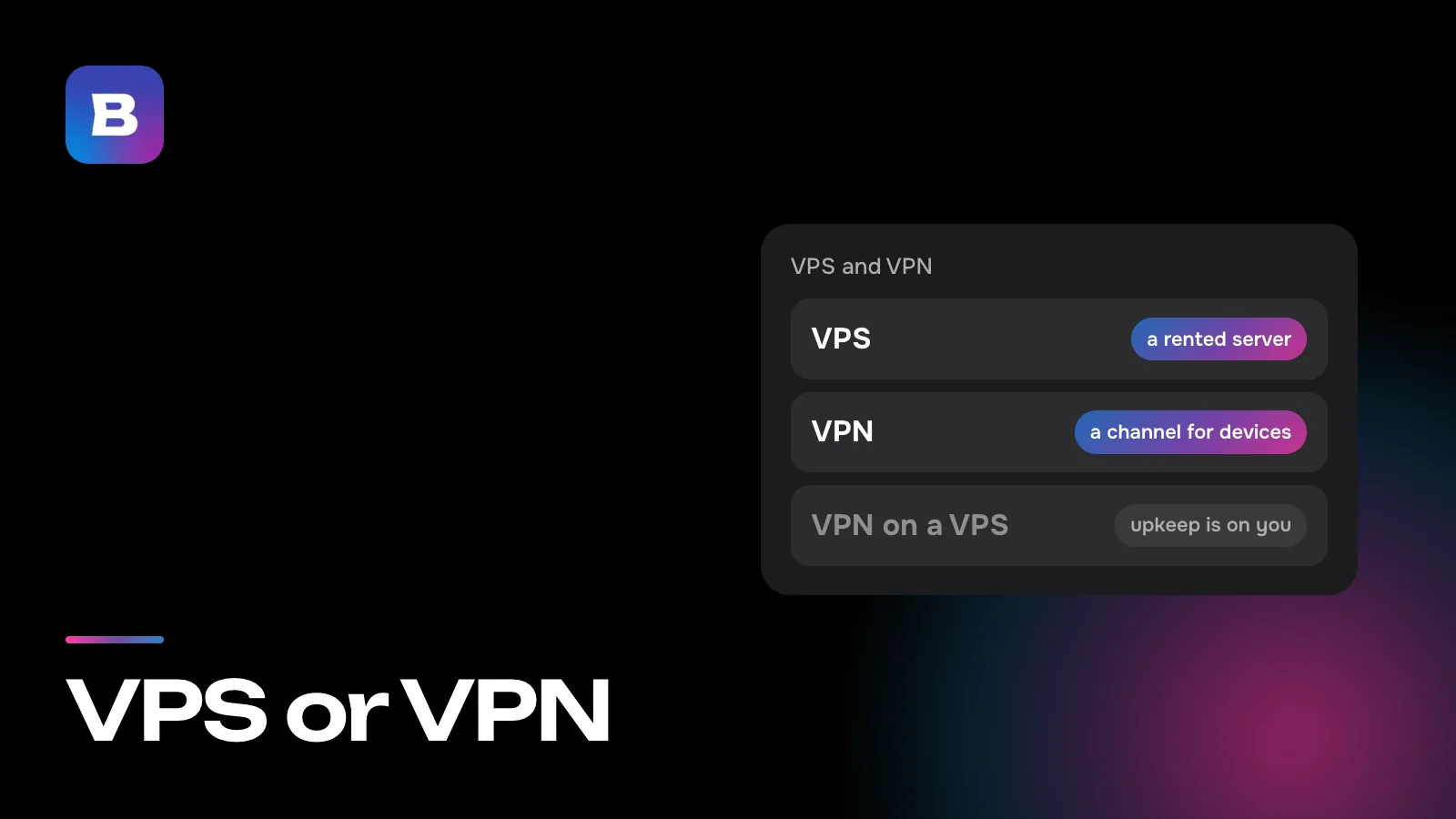
VPS and VPN look like the same acronym with a typo, and both have something to do with servers. They’re different kinds of things, though. A VPS is a computer in a data center that you rent and set up yourself. A VPN is an encrypted connection that carries your phone’s or laptop’s traffic to the internet through someone else’s server. The first is a place where you can run anything, a VPN included. The second is a ready-made service that doesn’t need a server of your own.
Two acronyms, one letter apart
VPS stands for virtual private server. VPN stands for virtual private network. The first two words are the same, which is where the mix-up comes from, and the last one carries the meaning. A server is a machine that runs programs. A network is a way to link machines together.
Hosting companies also sell the same kind of machine as a cloud server or a VDS, short for virtual dedicated server. When one host offers several of these names, the plan descriptions tell you how they differ.
A VPS is a computer you rent
A hosting company’s data center is full of powerful servers. A program called a hypervisor splits each one into several virtual machines, and every machine gets its own share of processor, memory and disk, its own operating system and its own IP address. The machines can’t see each other, even though they run on the same hardware.
To you, the virtual machine looks like a separate computer with no screen or keyboard. You connect to it over the network with administrator (root) rights and install whatever you like. People use a VPS to host a blog or an online store, run a Telegram bot or a game server for friends, keep backups or try out code in a test environment.
It also helps to know what a VPS won’t do by itself. Right after you buy one, it has an operating system and nothing else. It doesn’t protect your phone, and websites keep seeing your home address until you set up a VPN on it yourself.
A VPN is a protected route for your traffic
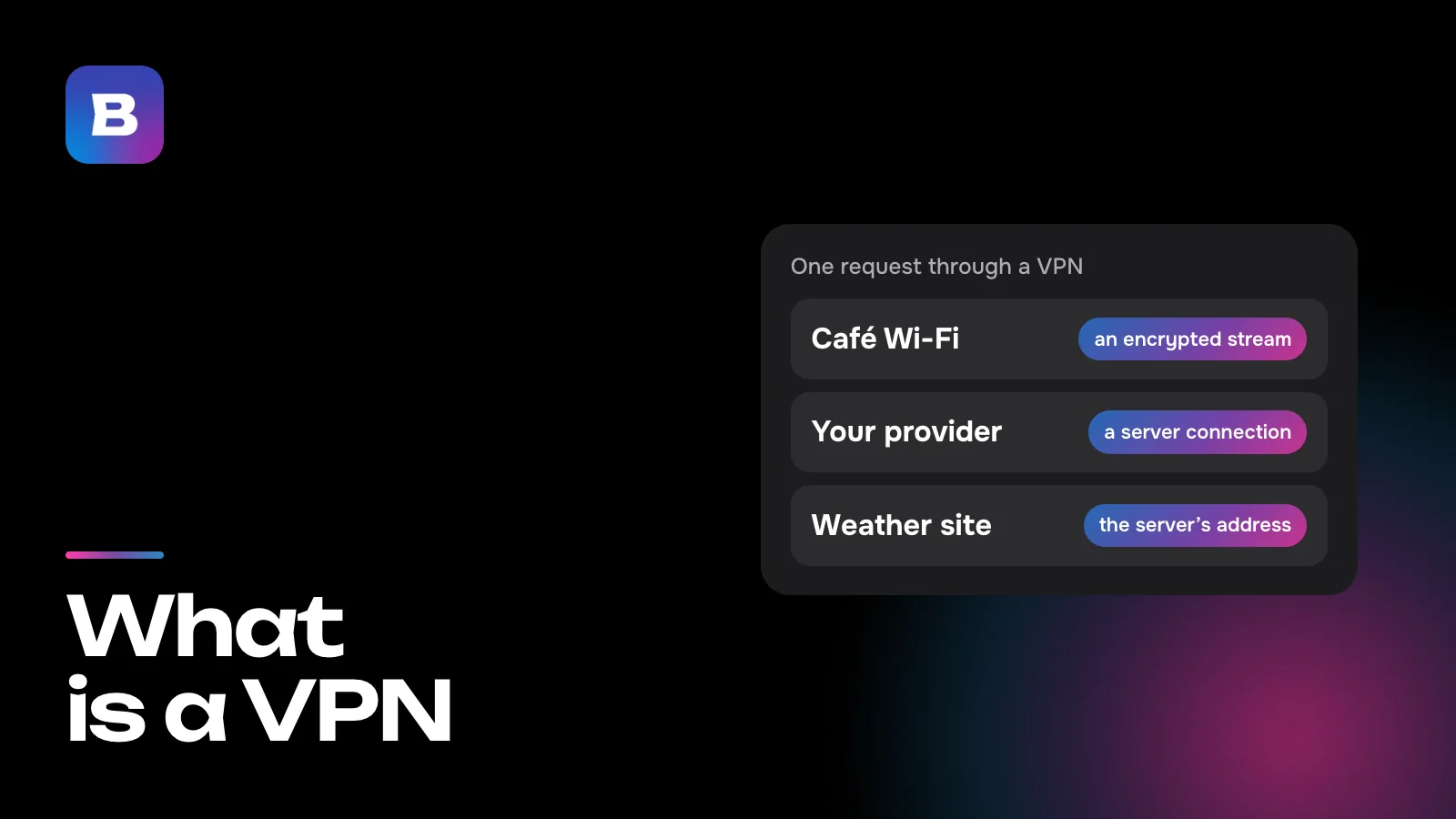
A VPN provider gives you an app and access to its servers. The app encrypts all of your device’s traffic and sends it to a server, which then talks to websites on your behalf. Sites see the server’s address. Your internet provider and the Wi-Fi owner see a connection to that server but not what’s inside it. Our article on what a VPN is follows one request along this route.
There’s nothing to administer. The provider runs servers in different countries, keeps them updated, replaces blocked addresses and picks the protocol. Your part is choosing a country in the app.
Your own VPN on a VPS or a VPN service
The VPS vs VPN question gets practical once you need a VPN yourself. You can build one on a rented machine by installing VPN server software and connecting your devices to it, or you can get one ready-made. Here’s how the two paths compare.
| Question | Your own VPN on a VPS | A VPN service |
|---|---|---|
| Where the server is | In one data center, the one you picked when ordering | In many countries, and you pick one in the app |
| Countries per subscription | One, and each new country takes another machine | Every country where the provider has servers |
| The address gets blocked | You find a new address or a new machine yourself | The provider changes the address |
| How many devices | As many as the machine can handle, with a key you issue for each | Depends on the service, and Bebra has no limit |
| Who you trust with your traffic | The hosting company that runs the machine | The service |
A server of your own gives you freedom. The machine is entirely yours, you can run other programs on it and you can share access with your family. You pay for that freedom with your time, though.
- Upkeep is on you. Updating the system and the server software, issuing keys for new devices and fixing outages all fall to you, including the day you need the VPN right now and it won’t connect.
- The address points back to you. All of your traffic leaves from a single IP address tied to your hosting account, so websites see that same address every time.
- The protocol is your call. It decides whether the connection gets through on a network with filters. Our piece on VPN protocols covers which ones suit which job.
If you want to learn how networks work, a server of your own is great practice. If you want a VPN that runs on every device in the house without upkeep, a ready-made service is the easier path.
Which one fits your task
- A website, a bot or a game server for friends. You need a VPS. A VPN has nothing to do with it.
- A service that won’t open on your network, or a safer connection in a café or hotel. You need a VPN.
- Going online from different countries on your phone, computer and TV. A VPN service is easier. Keeping a separate machine for each country gets expensive and tedious.
- Curiosity about how it all works. Rent a VPS and set up a VPN on it as a learning project.
How Bebra handles it
Bebra is a ready-made VPN service, so there’s no server to rent. The app covers 187 countries, and you connect to a country by tapping its tile. Bebra has four protocols, VLESS + REALITY, XHTTP, Hysteria2 and Shadowsocks, and the app decides which one and which route to use. If a route stops working, it switches to another.
A few things you’d do by hand on your own VPS are buttons here. Under Account → Settings, “Find working server” re-tests the routes and fetches fresh server addresses, which takes up to two minutes. “Replace Servers” in the “Regenerate Servers” block changes the IP addresses in every location at once.
One subscription covers any number of devices, Android TV and Apple TV included, and for Keenetic, OpenWrt and MikroTik routers there’s an app that runs on the router itself. To try Bebra on your own devices, start with the trial for 10 ₽. 3 days of full access, then 500 ₽ per month. The subscription renews automatically.
Questions and answers
Can I rent a VPS in the country where I live, and why would I?
You can. For a website or bot whose audience is nearby, it’s handy, since a closer server answers faster. A VPN on that machine, though, shows sites an address in the same country, so services that aren’t available there won’t open through it.
How many devices can I connect to my own VPS?
As many as its processor and bandwidth can handle. You issue a key or profile for each new device yourself, and keeping track of them is your job too.
How is a VPS different from a dedicated server?
A dedicated server is a whole physical machine that you rent for yourself. A VPS is a slice of one, separated by a hypervisor. That makes it cheaper, but you share the hardware with neighbors.
Is a VPS the same as a cloud server or a VDS?
Usually, yes. Hosting companies use these names for the same kind of virtual machine. If one host sells more than one of them, the plan terms explain the difference.
What should I do with my VPS if all I need is a VPN?
If the machine isn’t doing anything else, it’s simpler to let it go and use a VPN service. The service takes care of updates, blocked addresses and the choice of protocol, and it has more than one country.
Can one VPS run both a website and a VPN?
It can, if it has enough resources. Keep in mind that the site and your VPN then reach the internet from the same address, so a block on that address hits both.