
2 years
−62%+6 months free
190 ₽per month
5 700 ₽ in total
Buy for 5 700 ₽Updated
Install Bebra VPN on Windows, macOS or Linux, then pick a country that suits video. Fastest, Search and Favorites in the app help with that.
Mac users can take the DMG file or the Mac App Store version. Linux gets a DEB package and an AppImage.
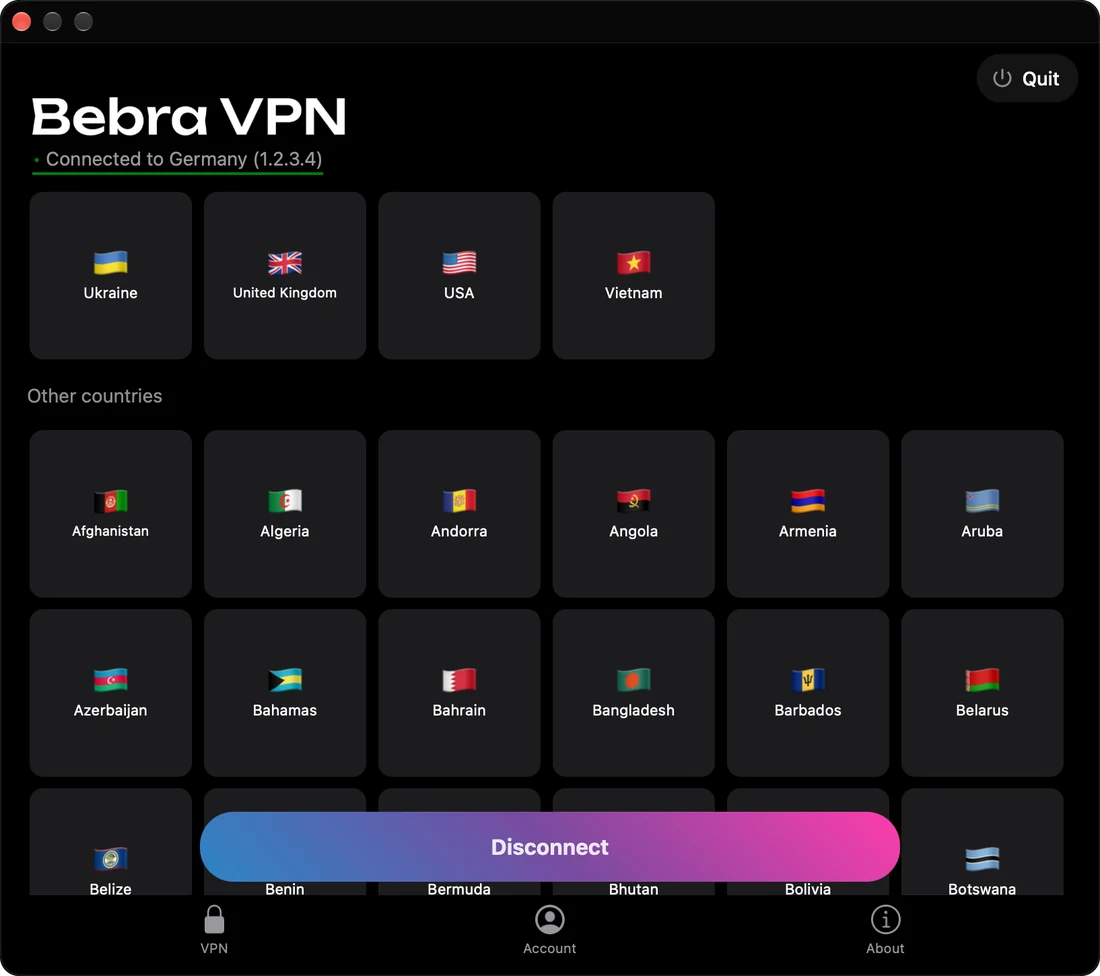
Above the grid of countries are two big tiles, Fastest and Random. The grid starts with Countries with the highest speed, followed by Other countries. Click a flag to connect, and click the lit tile again to disconnect. Until you have a subscription, a flag opens the Buy Bebra VPN window instead.
Start with Fastest. If a video takes longer than usual to start, type a nearer country into Search. Connect to a country twice or more within a month and it lands in Favorites, ready for next time.
It can’t put a single program, such as your browser, on the VPN by itself, and Bebra VPN doesn’t make a browser extension. Nor will video run faster than your own internet connection allows.
+6 months free
190 ₽per month
5 700 ₽ in total
Buy for 5 700 ₽350 ₽per month
4 200 ₽ in total
Buy for 4 200 ₽500 ₽per month
Billed every month
Buy for 500 ₽No. The browser goes online through the VPN along with the rest of the computer, so there’s no proxy to configure.
Add them under Tunnel → Manual, one per line. Traffic to those sites goes directly, and YouTube stays on the VPN.